

Camera Control for Sony (Software Only)
Software
Couldn't load pickup availability
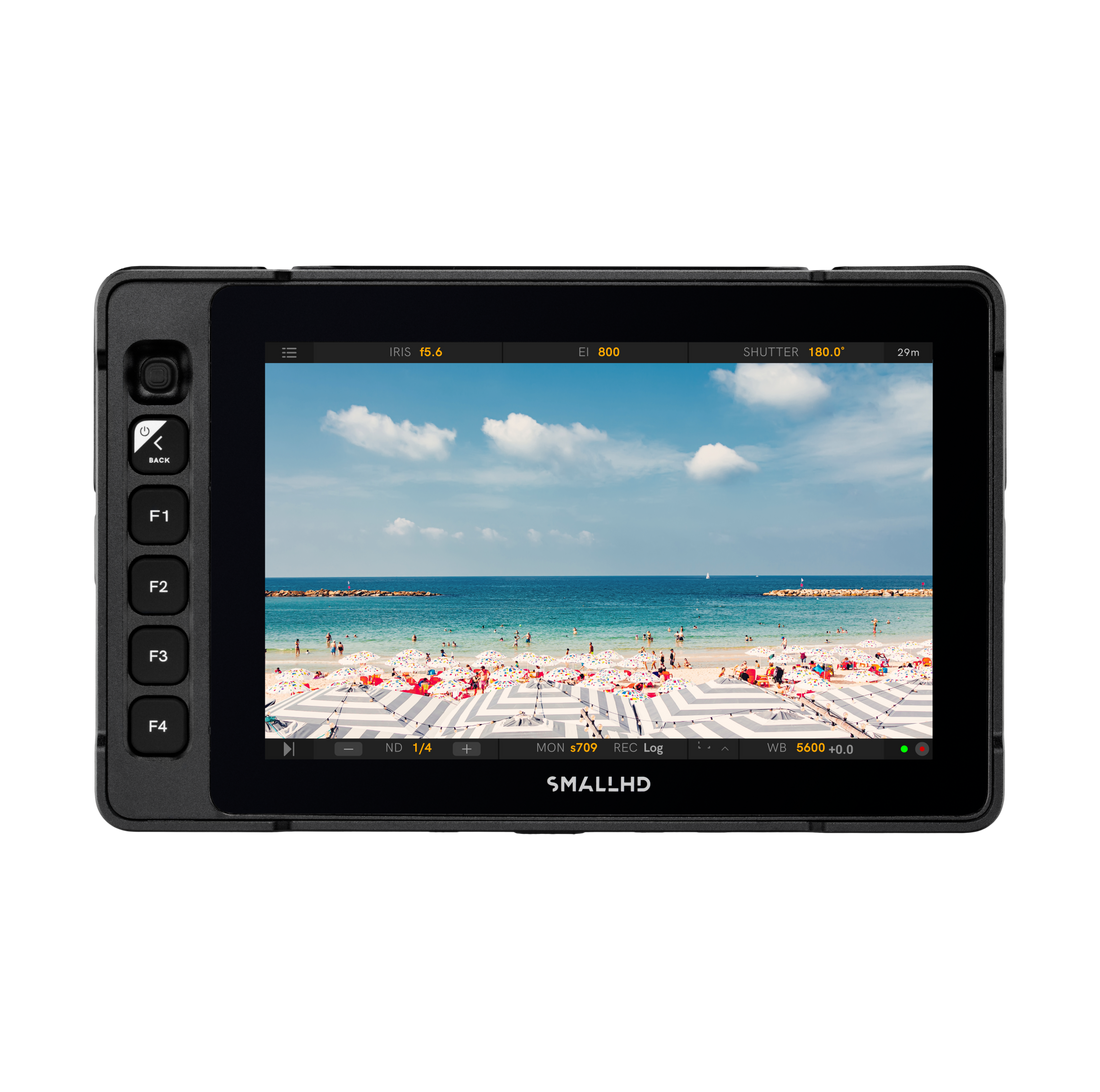
Previously only Sony Venice Camera Control, this license now comes with Sony FX3, FX6, BURANO, VENICE, VENICE 2 for Cine 5, Cine 7, Ultra 5, Ultra 7, and Ultra 10 when upgraded to the latest PageOS. Now you can tap into the internal camera settings with intuitive touchscreen configuration tools.
Update your monitor to the latest firmware in order to use Sony control.
For Cine 5 used with BURANO, VENICE 1, or VENICE 2 you will need:
- 5-Pin USB to Ethernet Adapter
- Ethernet cable with RJ45 connectors on both ends
For Cine 5 used with FX6 you will need:
- 5-Pin USB to Ethernet Adapter
- Ethernet cable with RJ45 connectors on both ends
- USB-C to Ethernet Adapter
For Cine 7, Ultra 5, Ultra 7, and Ultra 10 used with BURANO, VENICE 1, or VENICE 2 you will need:
- Ethernet cable with RJ45 connectors on both ends
For Cine 7, Ultra 5, Ultra 7, and Ultra 10 used with FX6 you will need:
- Ethernet cable with RJ45 connectors on both ends
- USB-C to Ethernet Adapter
For Cine 5, Ultra 5, Ultra 7, and Ultra 10 used with FX3 you will need:
- 5-Pin Locking Connector to USB-A Cable
For Cine 7 used with FX3 you can use either:
- Micro USB to USB-C data cable (NOT sold by SmallHD)*
OR
- Micro-USB to 5-Pin USB Adapter
- 5-Pin Locking Connector to USB-A adapter
USB-C to USB-A cable sold separately
Camera Control Access:
Start/Stop Record, ND Filter Selection, FPS, Shutter Speed, ISO, Color Temperature/White Balance, Partial LUT Configuration, Clip Playback
Non-Interactive Camera Information:
Timecode, Media Status, FPS, Resolution, Battery Info, Recording Format
Disclaimer: Once any camera control is registered in your SmallHD monitor, it cannot be removed or transferred to a different monitor. Camera Control for Sony is not compatible with Indie 7.
- 1 x Camera Control for Sony (Software Only)

- Choosing a selection results in a full page refresh.
- Opens in a new window.